
.svg)
.svg)
ONESHIELD MARKET SOLUTIONS / RELATIONSHIP MANAGEMENT
Every agent, vendor, and partner in one record
OneShield Market Solutions (OMS) keeps agents, agencies, vendors, and third parties in Customer Center, a single source of truth shared by policy, billing, claims, and reporting. Update a record once and every related policy, claim, and transaction works from the change.
When Party Data Lives Everywhere
One record per party, reused across policies, claims, and transactions
A changelog on every record showing who changed what, and when
Role-based security that controls who can see and edit party data
Party details carried into billing, claim payments, and 1099 processing
Every Party, One Customer Center
Customer Center holds a 360-degree view of each entity, with parent-child relationships, multiple addresses and contacts, and unlimited levels of hierarchy.

Agents and Agencies
Track licensing, appointments, commissions, and credentials for every producer. Agency hierarchies and eligibility rules sit with the record.

Vendors and Service Providers
Keep payment and 1099 details for the repair shops, medical providers, and firms you pay. The same vendor record is reused on every claim.

Claims and Legal Parties
Claimants, defense counsel, independent adjusters, and TPAs are linked to the claims they touch. Outside parties can be given configured portal access.

Carriers and Reinsurers
Writing companies and reinsurers are set up once for system-wide use. Each writing company keeps its own form packages and rating.
Core Capabilities Inside OMS Relationship Management
Party Data Management
One record for every party, used across the system
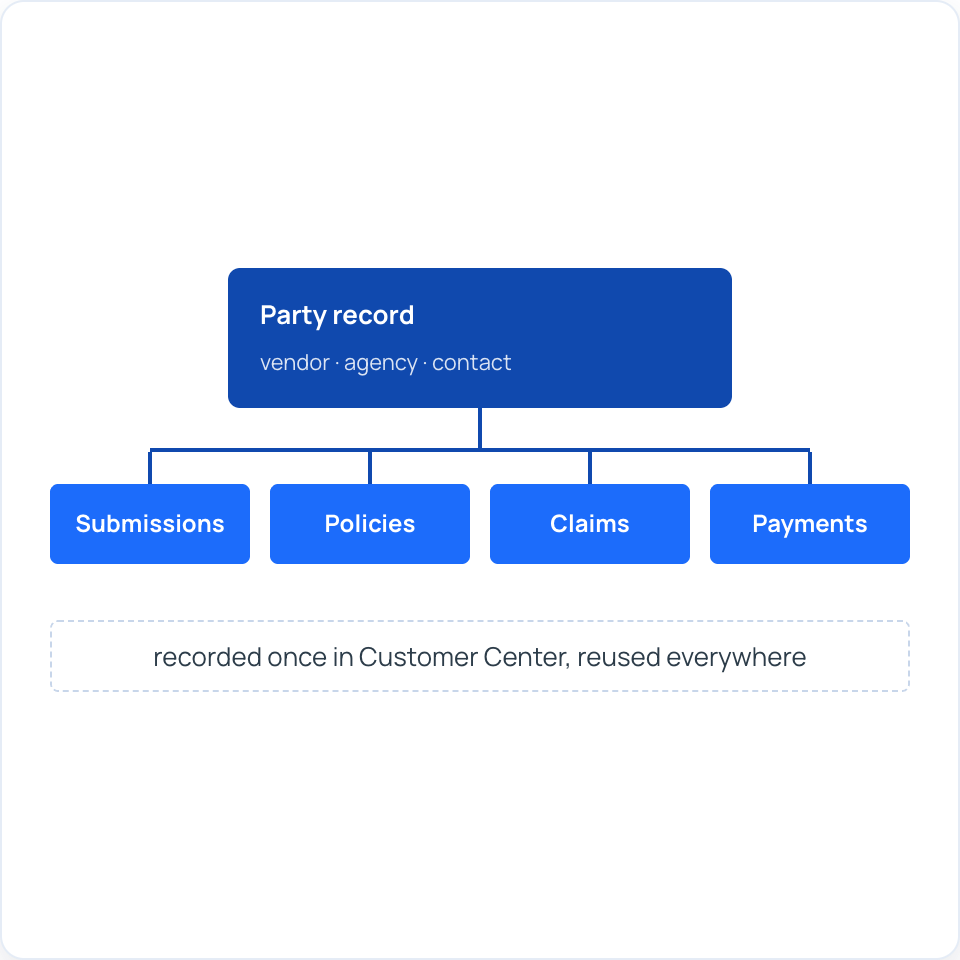
Customer Center stores party and contact information in one place and makes it available to every module. Your team records a vendor or agency once, then reuses it on submissions, policies, claims, and payments.
Key features:
.svg)
One party record reused across submissions, policies, claims, and payments
Parent-child relationships, multiple addresses, and multiple contacts per entity
Unlimited levels of hierarchy for complex organizations
1099 details stored with each vendor for claim payments
Agent and Producer Management
Distribution management for agents and agencies
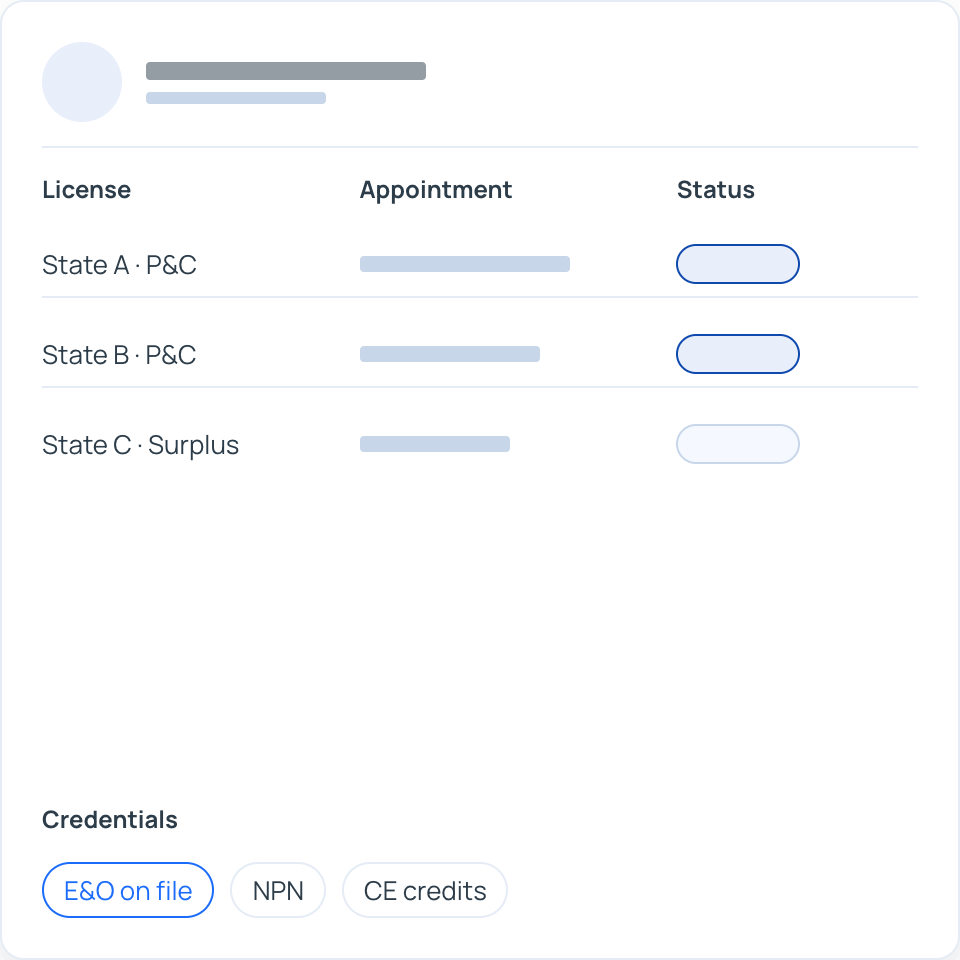
Customer Center tracks the details that decide who can sell your programs and how they are paid. Agency eligibility can be checked with rules or third-party integrations, and standard commissions are set by line of business or program.
Key features:
Agent licensing, appointments, and credentials tracked per producer
Agency eligibility checks, from simple rules to third-party integrations
Standard commissions by line of business or program, with manual overrides
Single and batch commission payments
Assignment and Routing
Send each file to the right adjuster or underwriter
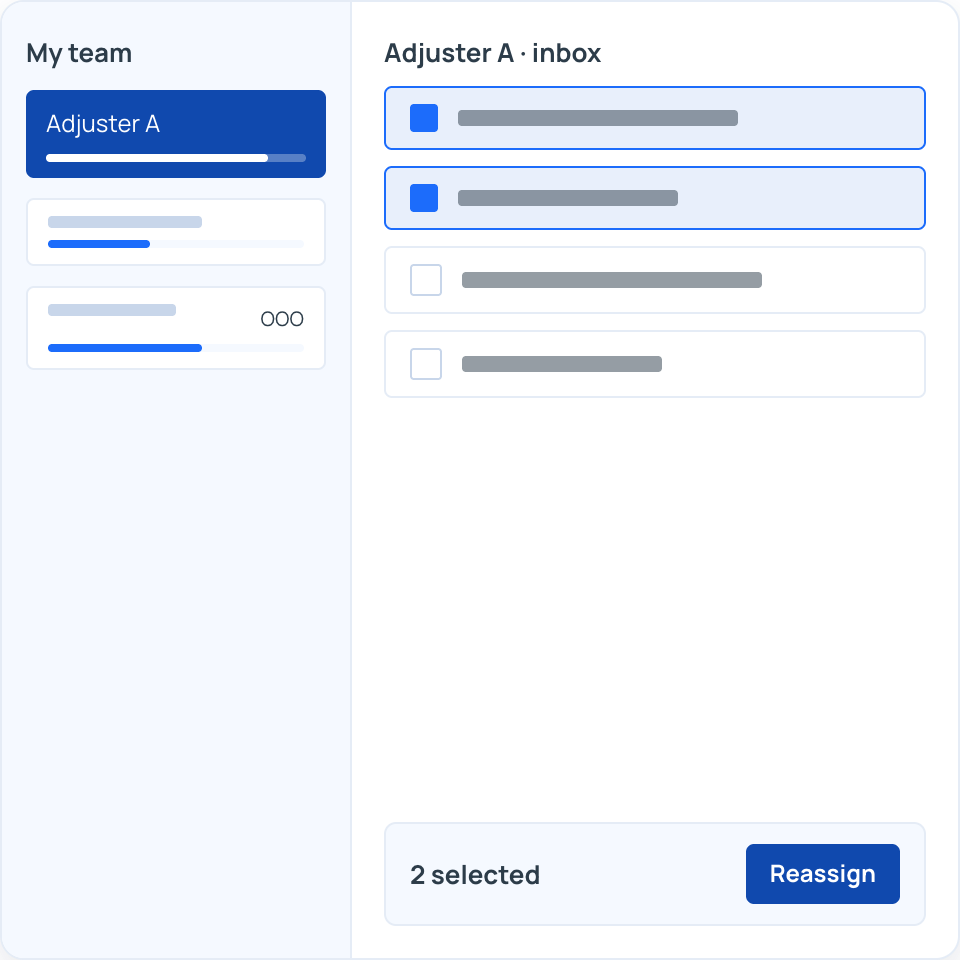
OMS assigns new claims automatically using rules you define, such as workload, line of business, jurisdiction, coverage type, and authority level. Submissions outside underwriting guidelines are flagged for review, with approval layers based on transaction type and amount.
Key features:
Rules-based, skill-based, and round-robin claim assignment
Load balancing based on each adjuster's current workload
Bulk reassignment and out-of-office diary rerouting
Managers can view and work a team member's inbox
Multi-layer underwriting approvals by transaction type, amount, and user
Communication and Collaboration
Every conversation kept with the record
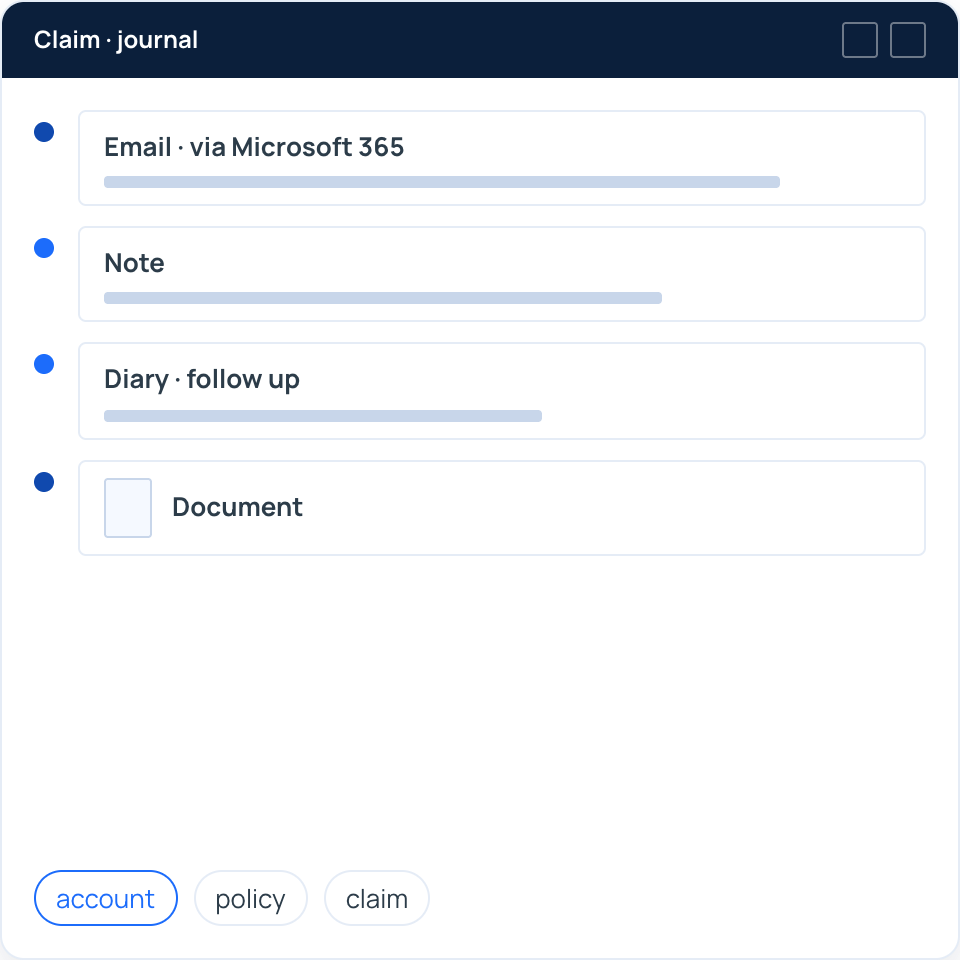
The journal on each account, policy, and claim holds notes, diaries, documents, and emails together. Documents go out through each recipient's preferred channel, and Collaborative Remarks keep the back-and-forth with MGAs and partners on the submission itself.
Key features:
Delivery preferences by recipient: email, text, fax, PDF, portal, or print
Notes, diaries, documents, and emails stored in each record's journal
Emails sent and received through Microsoft 365, with copies stored automatically
Collaborative Remarks for timestamped comments between carriers, MGAs, and partners
Private notes and role-based visibility for sensitive information
Administration and Portal Access
Routine changes your administrators make themselves
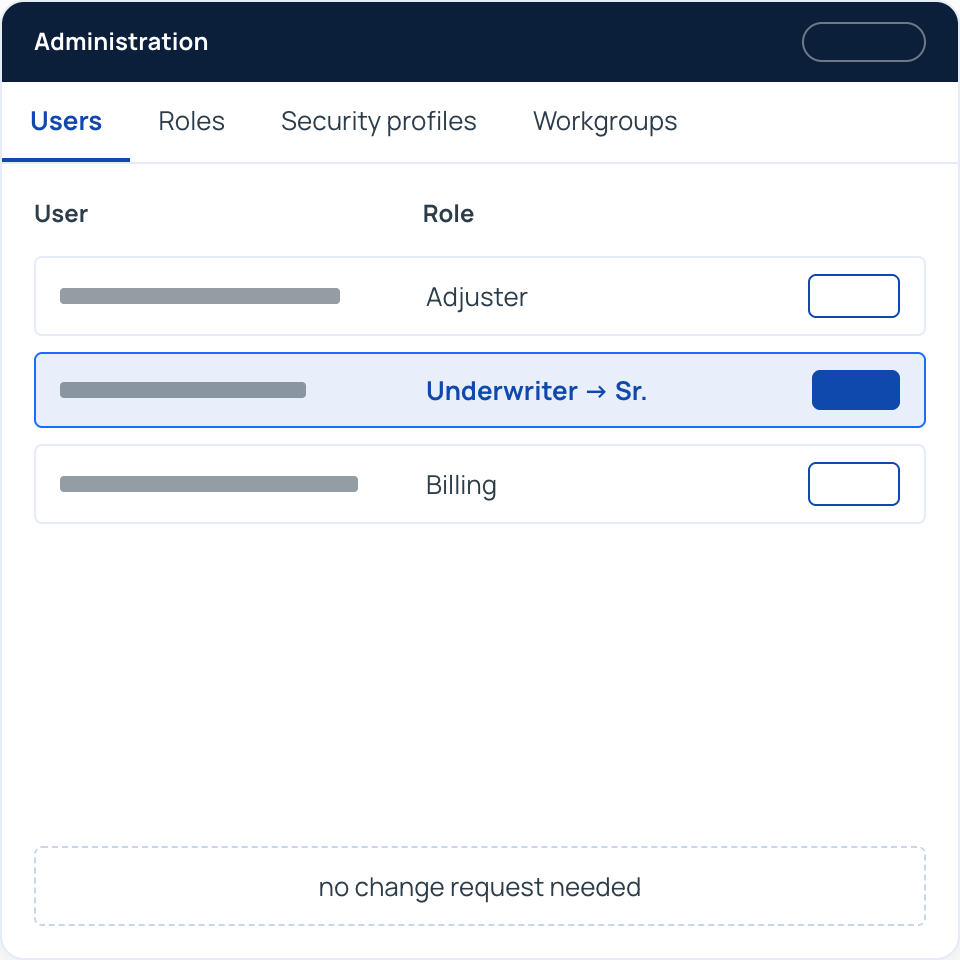
Authorized administrators maintain parties, roles, security profiles, workgroups, and users without a change request. Agents and outside parties get role-based portal access to the policies, claims, and tasks that belong to them.
Key features:
User setup, role changes, and task assignments handled by your administrators
Security by line of business, program, jurisdiction, transaction type, and payment threshold
Role-based agent portal for submissions, quotes, and policy, billing, and claims data
Configurable portal access for defense counsel, independent adjusters, TPAs, and auditors
SSO with your identity provider, including Okta, Active Directory, and Azure ADFS
Transparent, Predictable Pricing
No large upfront implementation fees
Annual service hours for configuration, enhancements, and support
Monthly upgrades and enhancements included
Cloud hosting infrastructure and security included
One Record for Every Relationship
See how OMS would hold your agents, vendors, and outside parties, and how assignment rules would route your claims and submissions.
.svg)
.svg)