


ONESHIELD MARKET SOLUTIONS / INSURANCE CONTENT
Pre-loaded insurance content, configured for your book
OneShield Market Solutions (OMS) comes pre-loaded with insurance products, workflows, business rules, and forms across commercial, specialty, and professional liability lines. Insurance product development starts from products that already work, and the OneShield team configures them for your programs, jurisdictions, and rating.
Built Before You Start
Standard functionality: screen design, workflows, tasks, business rules, rating, forms, transactions, users, and data import and export
Pre-built insurance content: policy and billing, claims, loss control, and reporting
Your configuration: products and jurisdictions, handled by the OneShield team
Pre-Built Content Across the Lifecycle
Platform-level content that applies to every line of business you write today and every line you add later.

Policy and Billing
The full policy lifecycle, from new business through endorsements, cancellations, reinstatements, and renewals. Document generation and management are included.

Claims
FNOL intake, adjudication, reserves, payments, and litigation tracking in one claims workflow. Journal diaries and notes keep every action on the record.

Loss Control
Internal and external users work from the same underwriting and claims data. Surveys, recommendations, and trainings are tracked in one place.

Reporting and BI
35+ pre-built reports and dashboards, plus ad hoc reporting through star schemas. Mirror database access lets you connect your own BI tools.
Core Capabilities Inside OMS Insurance Content
Pre-Built Products
Customize a working product instead of building one
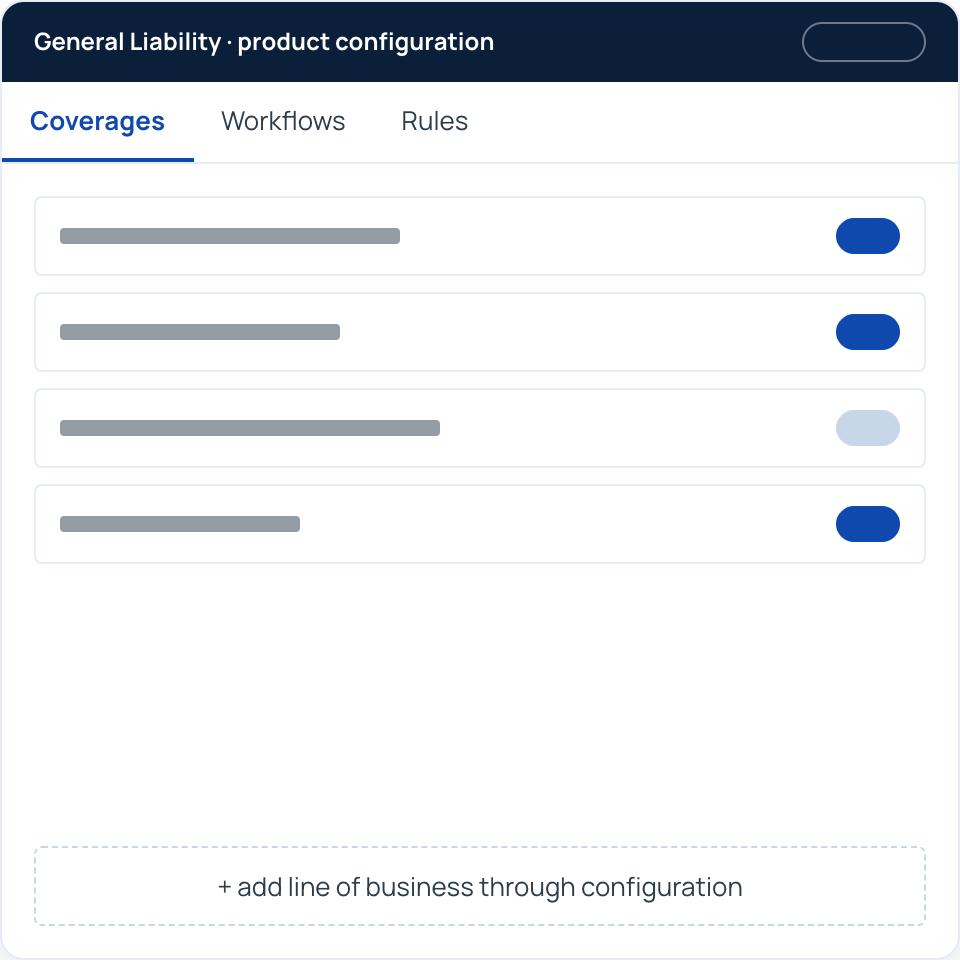
OMS includes pre-configured products across commercial, specialty, and professional liability lines. Coverage options, workflows, and business rules are already in place, so your project starts by adapting a product rather than defining one. New lines are added through configuration, with no custom development.
Key features:

Pre-configured products across commercial, specialty, and professional liability lines
Coverage options, workflows, and business rules ready to customize
New lines of business added through configuration, with no custom development
Configuration handled by the OneShield team, so your people stay focused on the business
In Production
Commercial and specialty products running today
OMS clients write a broad set of commercial P&C products on the platform today, from standard commercial lines through professional and specialty liability.
Key features:
General Liability, Commercial Umbrella, Commercial Excess Liability, Excess Professional Liability, and Pollution Liability
Commercial Property and Inland Marine (AAIS), plus Commercial Package and the AAIS Commercial Output Policy
Commercial Auto, Auto Physical Damage, Garagekeepers, and Crime
Professional, Medical Professional, and Lawyers Professional Liability
Cyber, Public Officials, Law Enforcement Liability, and Educators

Rating and Bureau Content
Rating you control, with compliance built into the rules
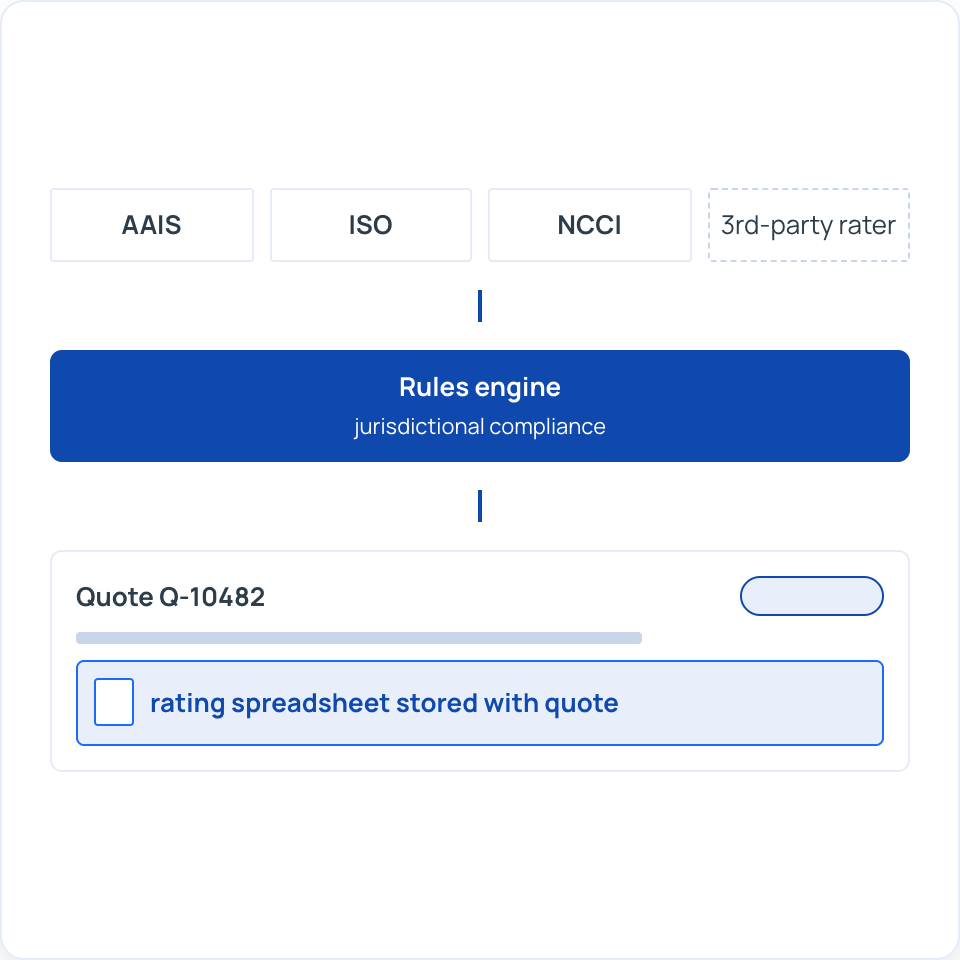
Rating runs on client-specific spreadsheets that are fully configurable, versioned by effective date, and stored with every quote so underwriters can see how a premium was calculated. OMS handles rates and forms from any bureau, with extensive AAIS experience. ISO updates are handled through our monthly upgrade and update process.
Key features:
Configurable, client-specific rating spreadsheets
Rating spreadsheet stored on every quote and policy for full transparency
NCCI rates and experience mods supported for workers' compensation
Rates and forms from any bureau, with extensive AAIS experience
Integration with third-party rating tools when you need it
Embedded rules engine that supports jurisdictional compliance
Forms and Correspondence
The right document to the right person, automatically
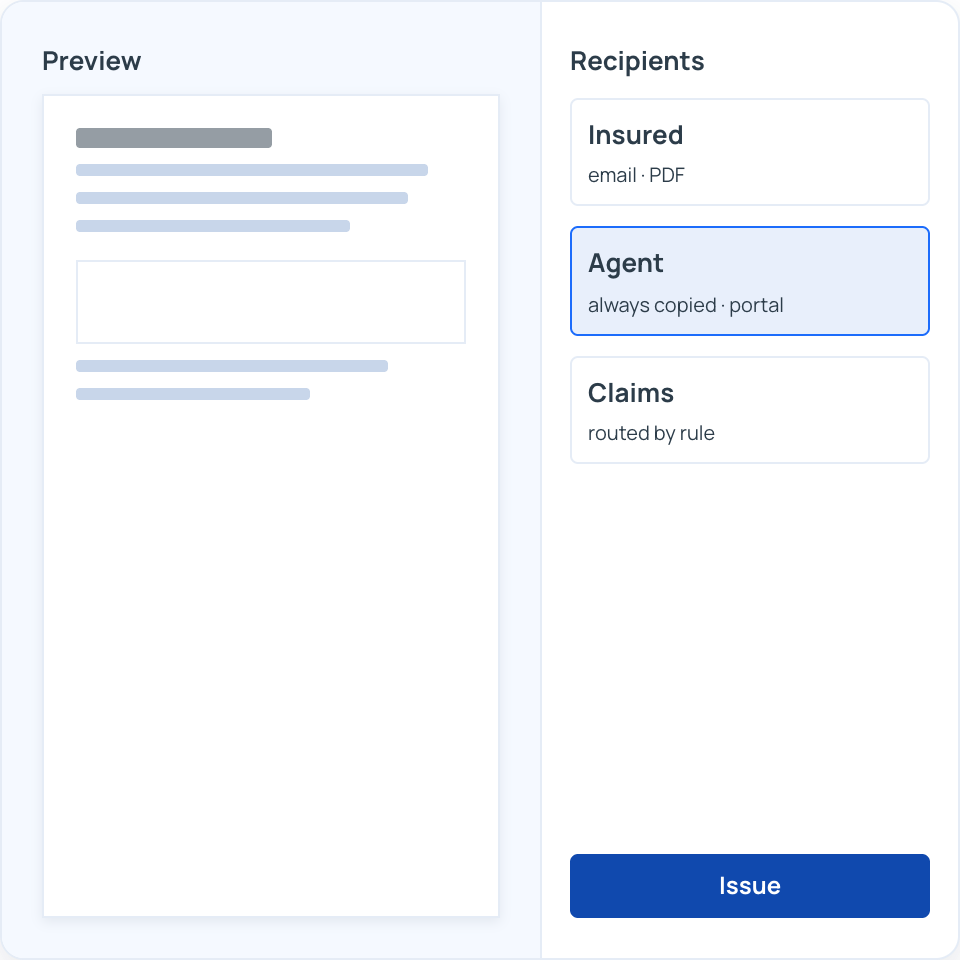
OMS ships with a correspondence and forms library, and event-driven business rules decide which forms and letters are produced, for which jurisdiction, and who receives them. You preview documents before issuance and deliver them through the channel each recipient prefers.
Key features:
Correspondence and forms library included out of the box
Event-driven rendering with no-touch jurisdictional form handling
Preview mode to review documents before issuance
Delivery by email, PDF, text, web portal, fax, or print
Recipient rules, such as always copying the agent or routing to claims
Document Management
Every document linked to the record it belongs to
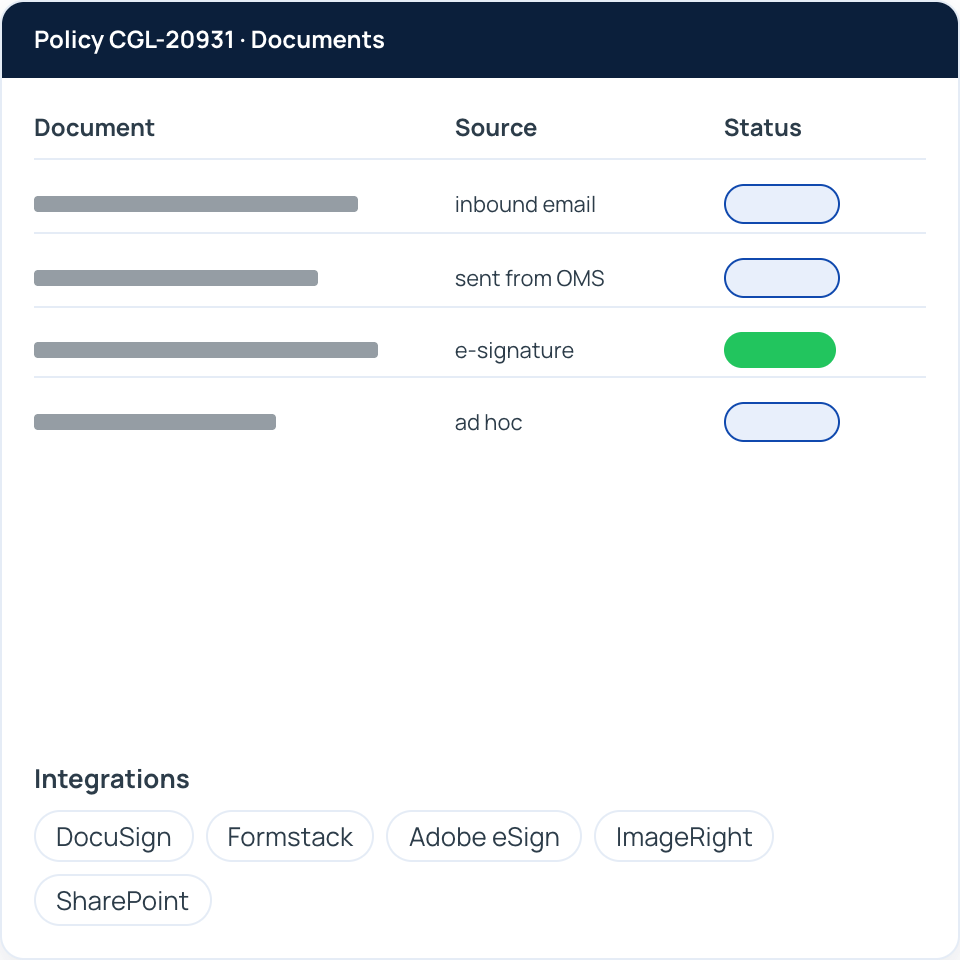
A built-in content repository stores documents on every submission, policy, and claim. Incoming emails and attachments link directly to the related record, and outgoing emails are sent and stored from inside OMS.
Key features:
Central repository for documents on every submission, policy, and claim
Incoming emails and documents linked to the related policy, claim, or transaction
Emails sent from OMS policy and claims workflows, with copies stored automatically
Ad hoc documents on demand, with spell and grammar checking through a third-party integration
E-signature integration with DocuSign, Formstack, and Adobe eSign
Integrations with ImageRight and SharePoint when you need a dedicated document system
Transparent, Predictable Pricing
No large upfront implementation fees
Annual service hours for configuration, enhancements, and support
Monthly upgrades and enhancements included
Cloud hosting infrastructure and security included
Start From Working Products
See the pre-loaded products, forms, and rules for your lines of business, and how the OneShield team would configure them for your programs.

