
.svg)
.svg)
ONESHIELD ENTERPRISE / REPORTING
Insurance analytics your team runs without IT
Insurance business intelligence on a unified data model spanning policy, billing, and claims. Business users build dashboards, run standard or ad hoc reports, and act on real-time insight.
Analytics that don't wait on a data team
Customizable dashboards give every role an at-a-glance view of what matters
Persona-based views for underwriters, adjusters, CSRs, and supervisors
Ad hoc reports built, saved, and reused without a developer
Drill down and drill through data across key dimensions
Self-Service Analytics
Build Your Own Reports
Business users create, save, and reuse ad hoc reports without waiting on IT or a developer.
Key capabilities:
.svg)
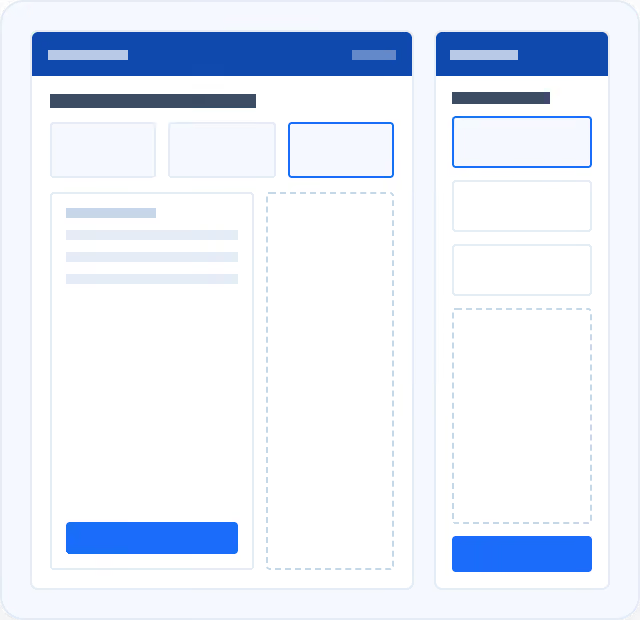
Drag-and-drop cube filtering for multidimensional analysis, saved and shared across your team
Persona-based dashboards for underwriters, adjusters, CSRs, and supervisors
Over 50 pre-built reports ready on day one
Drill down and drill through data across key dimensions
Unified Data Model
Report Across Policy, Billing, and Claims
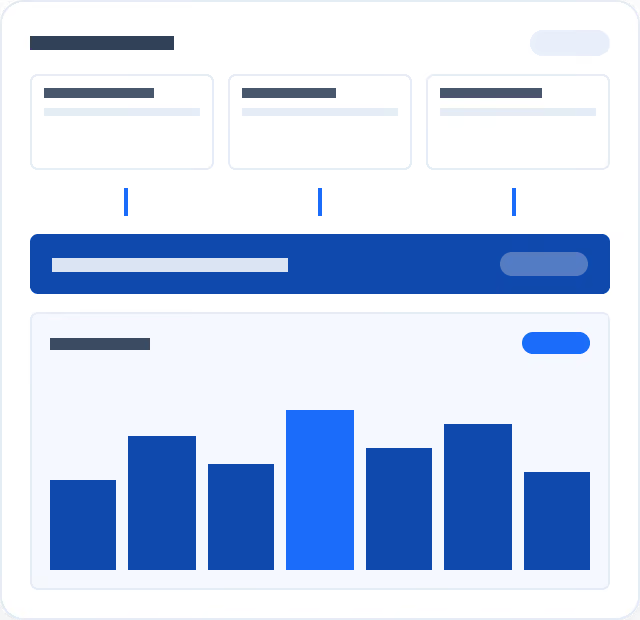
Policy, billing, and claims run on one data model, giving every report a complete, accurate picture.
Key capabilities:
Near real-time dashboards, not overnight batch reports
No data re-keying between policy, billing, and claims
Direct connections to a dedicated reporting database, separate from the transactional system
One consistent data source, whether you're pulling a canned report or building your own
Flexible Distribution
Get Reports Where Your Team Already Works
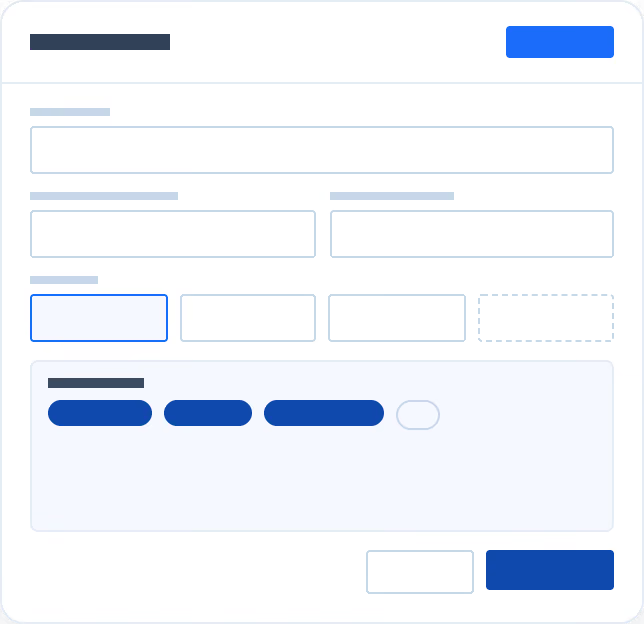
Schedule reports for automatic distribution, export to PDF, CSV, or Excel, or connect Power BI.
Key capabilities:
Scheduled, automated report distribution
Export to PDF, CSV, or Excel
Power BI supported for teams that want a familiar interface
Saved and reused report definitions across your team
Open Analytics Ecosystem
Send Data Anywhere You Need It
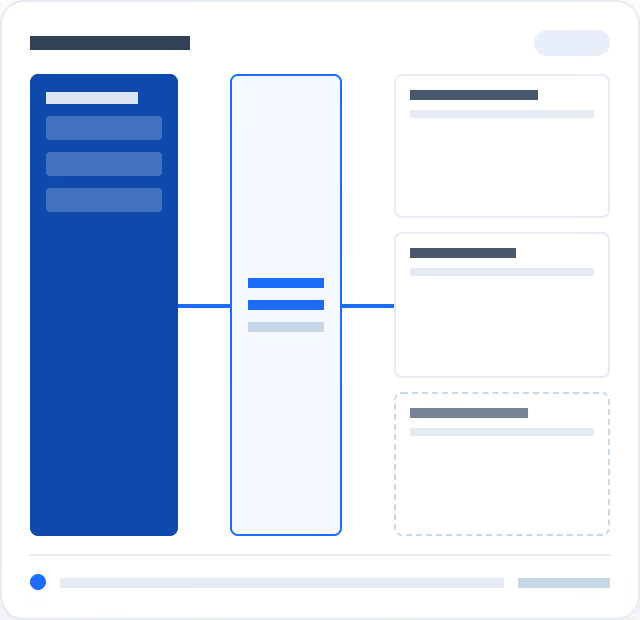
Export data to external data lakes or warehouses through API integration, with alerts when your data changes.
Key capabilities:
API-based export to Snowflake, Redshift, and other data warehouses
Event-based notifications when source data changes
Connect any BI tool your team already uses
Feed OSE data into your broader analytics ecosystem
.svg)
.svg)