Site built by Composite – Webflow Agency NYC & UX Design Agency NYC
ONESHIELD MARKET SOLUTIONS / REPORTING

Every report in one place

Interactive dashboards, standard and ad hoc reports, and embedded analytics, configured for management, regulatory, financial, and operational needs. Delivered and maintained as part of your managed service.
Schedule a demo
Back to Market Solutions

Information you need,
when you need it

Customizable reports for greater insight and better decisions. Operational intelligence embedded in every workflow.
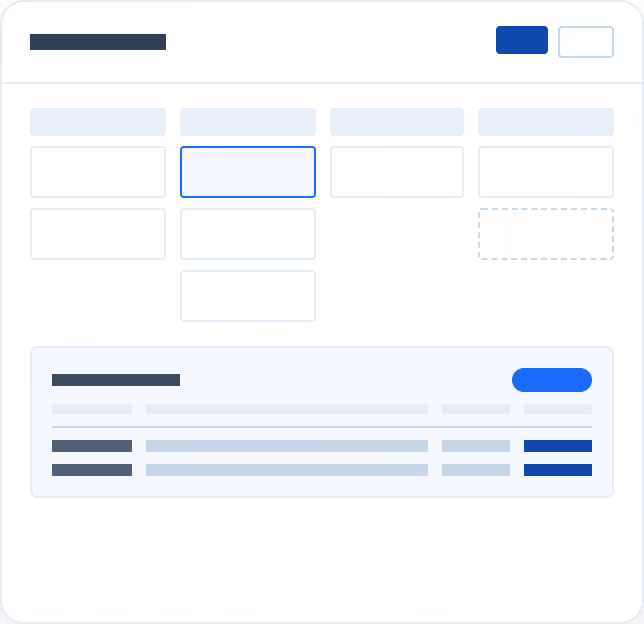
Underwriting Reports
Quote-to-Bind Visibility
Track hit ratios, monitor open and bound submissions, and stay ahead of renewals with auto-renew and tail offer reporting. Exposure and diary reports give underwriting managers a clear view of risk accumulation and upcoming actions.
Key features:
White check mark inside a blue circle indicating confirmation or approval.
Diaries and Notes
White check mark inside a blue circle indicating confirmation or approval.
Submissions Hit Ratio Policy Transaction Report
White check mark inside a blue circle indicating confirmation or approval.
Exposure Report
White check mark inside a blue circle indicating confirmation or approval.
Open Submissions
White check mark inside a blue circle indicating confirmation or approval.
Tail Offer Status Report
White check mark inside a blue circle indicating confirmation or approval.
Bound/Closed/Declined Submission Report
White check mark inside a blue circle indicating confirmation or approval.
Bound Policy
White check mark inside a blue circle indicating confirmation or approval.
Auto-Renew Report
Dashboard-style interface with multiple input fields and summary tables showing data entries.
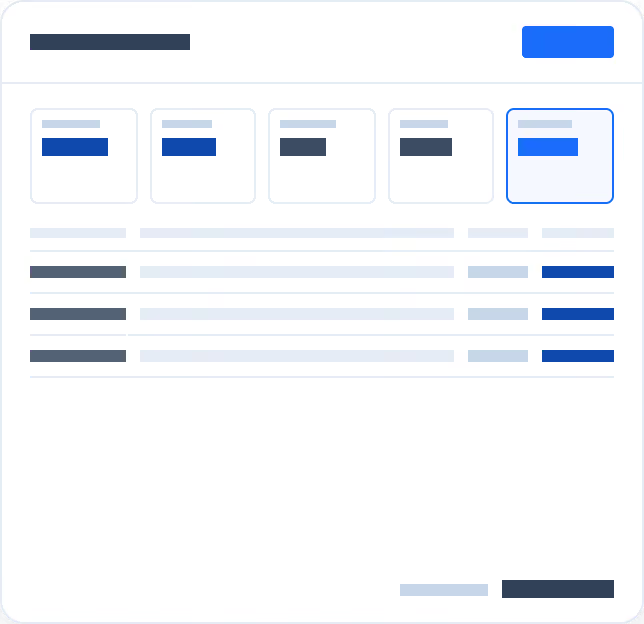
Claims Reports
Claims Performance, Measured
Break down claim costs by component, track settlement timelines, and monitor loss and combined ratios to connect claims activity to financial outcomes. Statutory detail and claim status reports keep compliance and operational oversight in one place.
Key features:
White check mark inside a blue circle indicating confirmation or approval.
Statutory Claims Detail Report
White check mark inside a blue circle indicating confirmation or approval.
Average Cost per Claim
White check mark inside a blue circle indicating confirmation or approval.
Claim Cost by Component Report
White check mark inside a blue circle indicating confirmation or approval.
Loss Ratio/Combined Ratio
White check mark inside a blue circle indicating confirmation or approval.
Claim by Status
White check mark inside a blue circle indicating confirmation or approval.
Average Time to Settle a Claim
Interface showing a filters bar with five options and a data table with three item rows and action buttons.
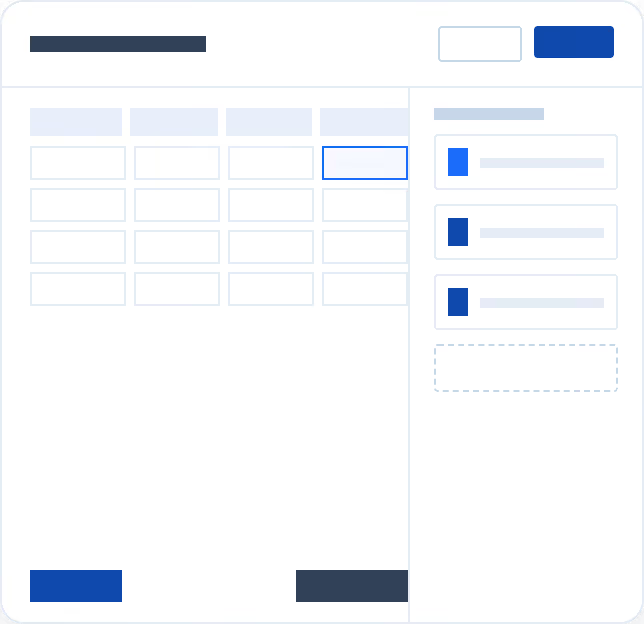
Financial Reports
Revenue Clarity Across the Book
Reconcile GL transactions, track earned premium, and monitor receivables aging and cash receipts without manual data pulls. Commission due reports, agency statements, and expiring credit card tracking keep producer compensation and payment continuity audit-ready.
Key features:
White check mark inside a blue circle indicating confirmation or approval.
Payment Received
White check mark inside a blue circle indicating confirmation or approval.
Commission Due Report
White check mark inside a blue circle indicating confirmation or approval.
GL Transaction Report
White check mark inside a blue circle indicating confirmation or approval.
Monthly Cash Receipts Summary
White check mark inside a blue circle indicating confirmation or approval.
Earned Premium
White check mark inside a blue circle indicating confirmation or approval.
Agency Statement
White check mark inside a blue circle indicating confirmation or approval.
Expiring Credit Cards
White check mark inside a blue circle indicating confirmation or approval.
Balance Due Summary With Aging
Simple spreadsheet interface with rows, columns, and blue-highlighted cells and buttons.
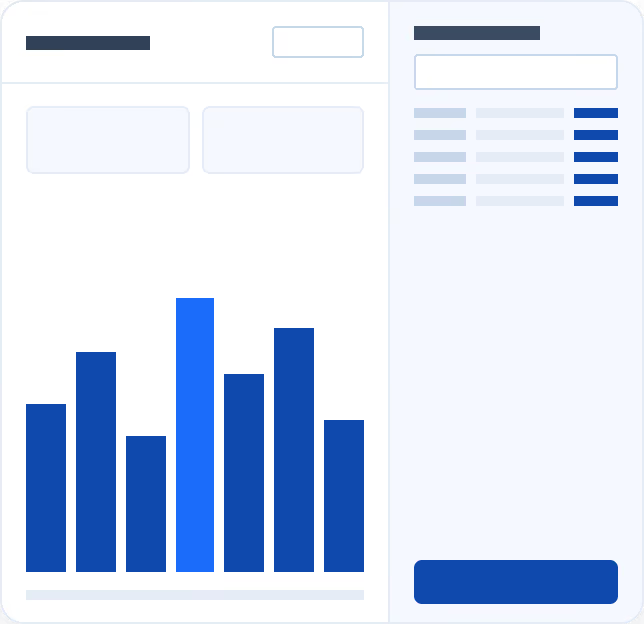
General Reports
Workload, Growth, and Productivity
Balance underwriter workloads, track user activity, and surface growth trends through the Business Growth Dashboard. Batch service and abandoned quote reports highlight process gaps that impact throughput and conversion.
Key features:
White check mark inside a blue circle indicating confirmation or approval.
Underwriter Workload
White check mark inside a blue circle indicating confirmation or approval.
User Activity Report
White check mark inside a blue circle indicating confirmation or approval.
Batch Service Report
White check mark inside a blue circle indicating confirmation or approval.
Business Growth Dashboard
White check mark inside a blue circle indicating confirmation or approval.
Abandoned B2C Quote
Dashboard screen with vertical blue bar chart on the left and summary list with buttons on the right.
Schedule Demo

Client Spotlight